Google Analytics
Bring Google Analytics insight into Kalumma
Media
Description
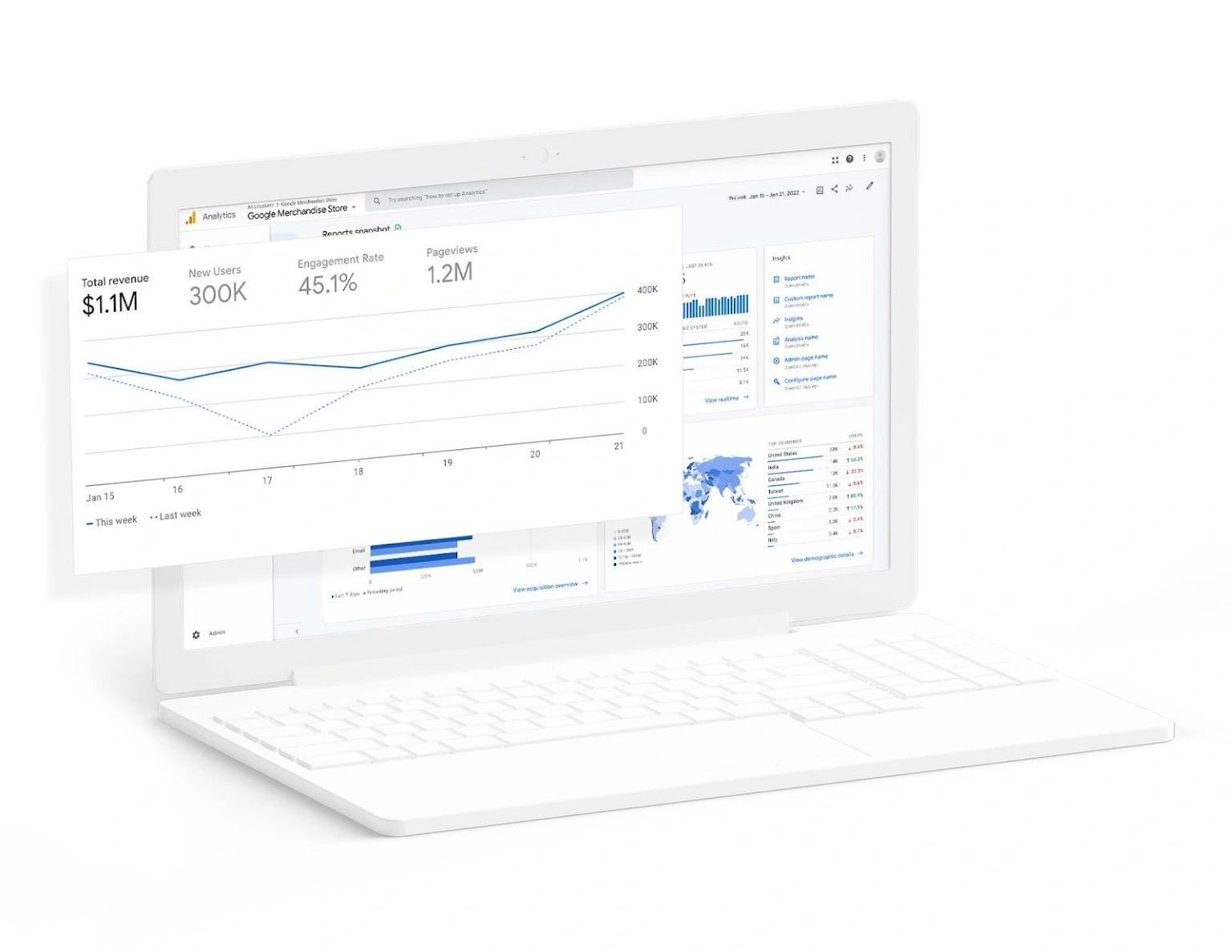
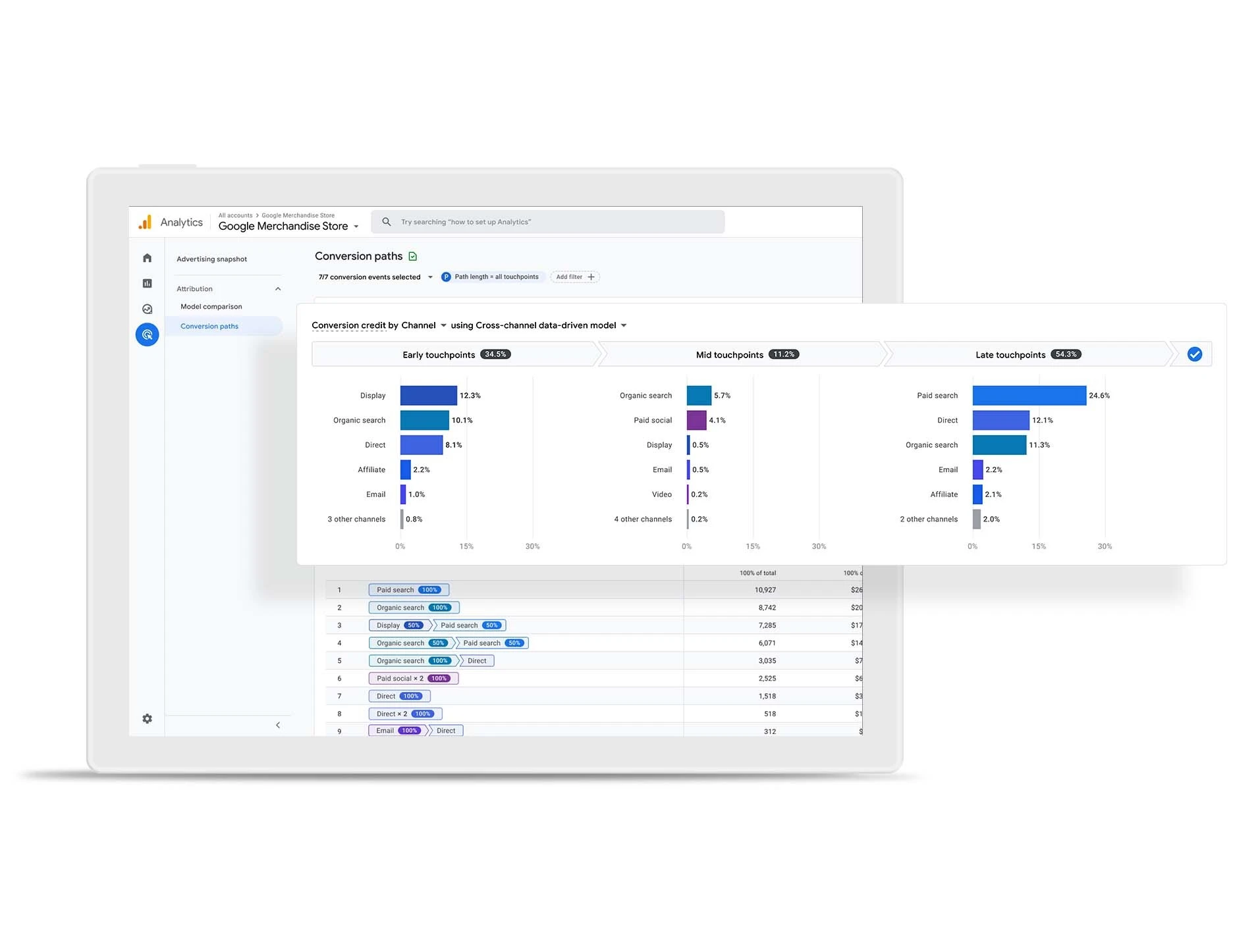
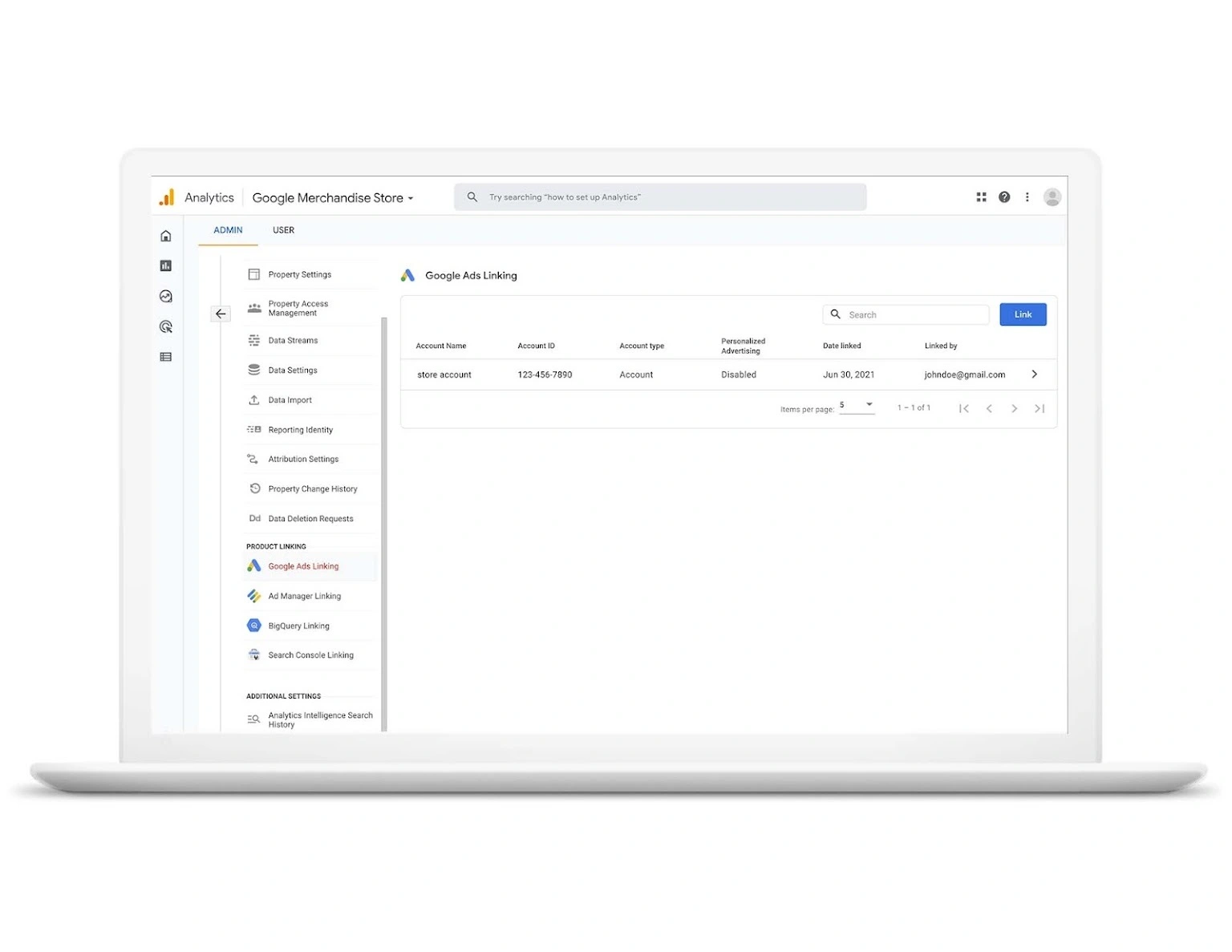
Connect Google Analytics to Kalumma to bring web and product usage data alongside your records. Key metrics and events flow into Kalumma, so your team can see engagement in context instead of switching to a separate analytics tool. Choose which properties and metrics to include, and keep the view current as data updates. Setup is guided, so most teams can connect and configure without engineering help.
Benefits

Insight where you work
Engagement data sits alongside records, no tool-switching to check activity.

Faster signal to action
Activity in context helps teams act on engaged accounts sooner.

Focused reporting
Selecting relevant metrics keeps the view meaningful, not noisy.
Testimonials
"Seeing product usage next to the account means we reach out when engagement actually signals interest."

Growth lead
B2B SaaS
"The metrics we care about show up in context. Less tab-switching, faster reads."

Marketing analyst
Mid-market
Features
Metric sync
Bring selected Google Analytics metrics and events into Kalumma automatically.

Property selection
Choose which properties and metrics to include so you see only what's relevant.

In-context engagement
Surface usage data against your records instead of a separate dashboard.
How it Works
Once connected, Kalumma pulls in the Google Analytics metrics and events you select, so usage data sits alongside the records your team already works with. You choose which properties and metrics participate, and the view updates as new data comes in. Teams that want more control can use the connection to surface engagement signals against accounts or contacts, or to trigger follow-up based on activity. Configuration is handled through a guided setup with documentation, so you can connect properties, choose metrics, and set preferences without writing code.
Integration Diagrams
Data
Account
Account
Engagement metric
Engagement metric
Activity signal
Activity signal


Data
Property
Property
Metric / event
Metric / event
Conversion
Conversion
FAQ
You choose which properties and metrics to include during setup; you can adjust later.
No. Setup is guided with documentation; most teams connect and configure without engineering help.
Selected metrics update as new analytics data comes in, so the view stays current.
Yes. You select which properties and metrics sync, so only intended data comes into Kalumma.
No. It brings selected insight into Kalumma for context; full analysis still lives in Google Analytics.